Creator Studio
Automate your content workflow
Manage, optimize, and elevate your video content as a Bumpups Creator.
Bump AI will watch any video and deliver insights across all industries.
 ESPN13.4M subscribers
 Rotten Mango2.8M subscribers
 Corbin Brown100K subscribers
 Come And Talk 2 Me592K subscribers
 NBA22.8M subscribers
 UC Berkeley66K subscribers
 WIRED12M subscribers
 Jubilee9.8M subscribers
 First We Feast14.5M subscribers
 Pints With Aquinas546K subscribers
 Chris Williamson3.4M subscribers
 Valuetainment5.6M subscribers
Streamline your creative process
Transform how you manage and optimize your video content with advanced tools in Creator Studio, crafted for every Bumpups Creator.
- 01
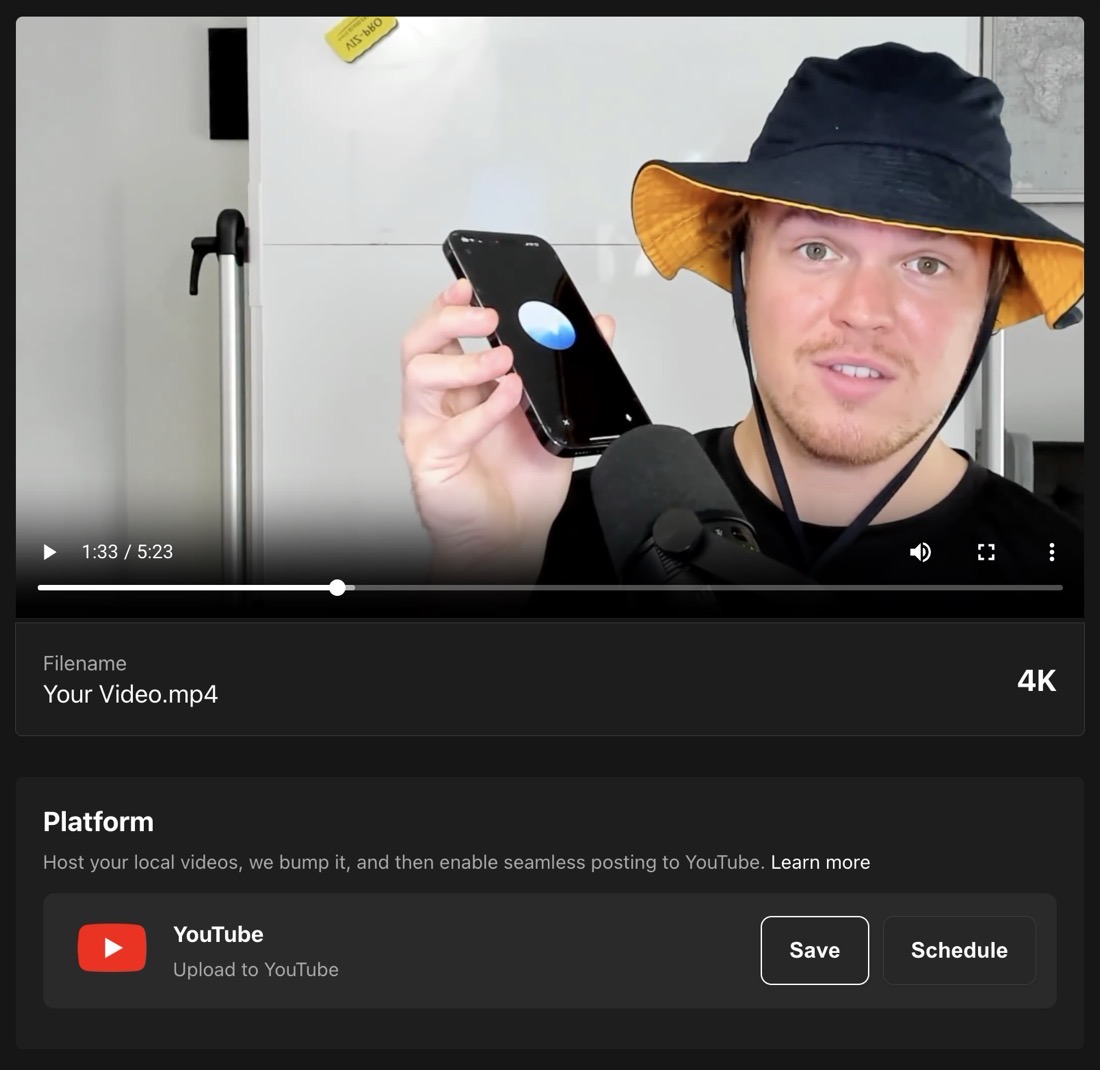
Post to YouTube
Upload your local video files into Creator Studio. Once uploaded, choose to save as a draft, mark as unlisted or public, or even schedule your video for later release on YouTube.
- 02
YouTube description
Bump AI automatically crafts your video description by combining a complete summary, timestamps, key takeaways, and relevant hashtags to boost your video’s reach.
- 03
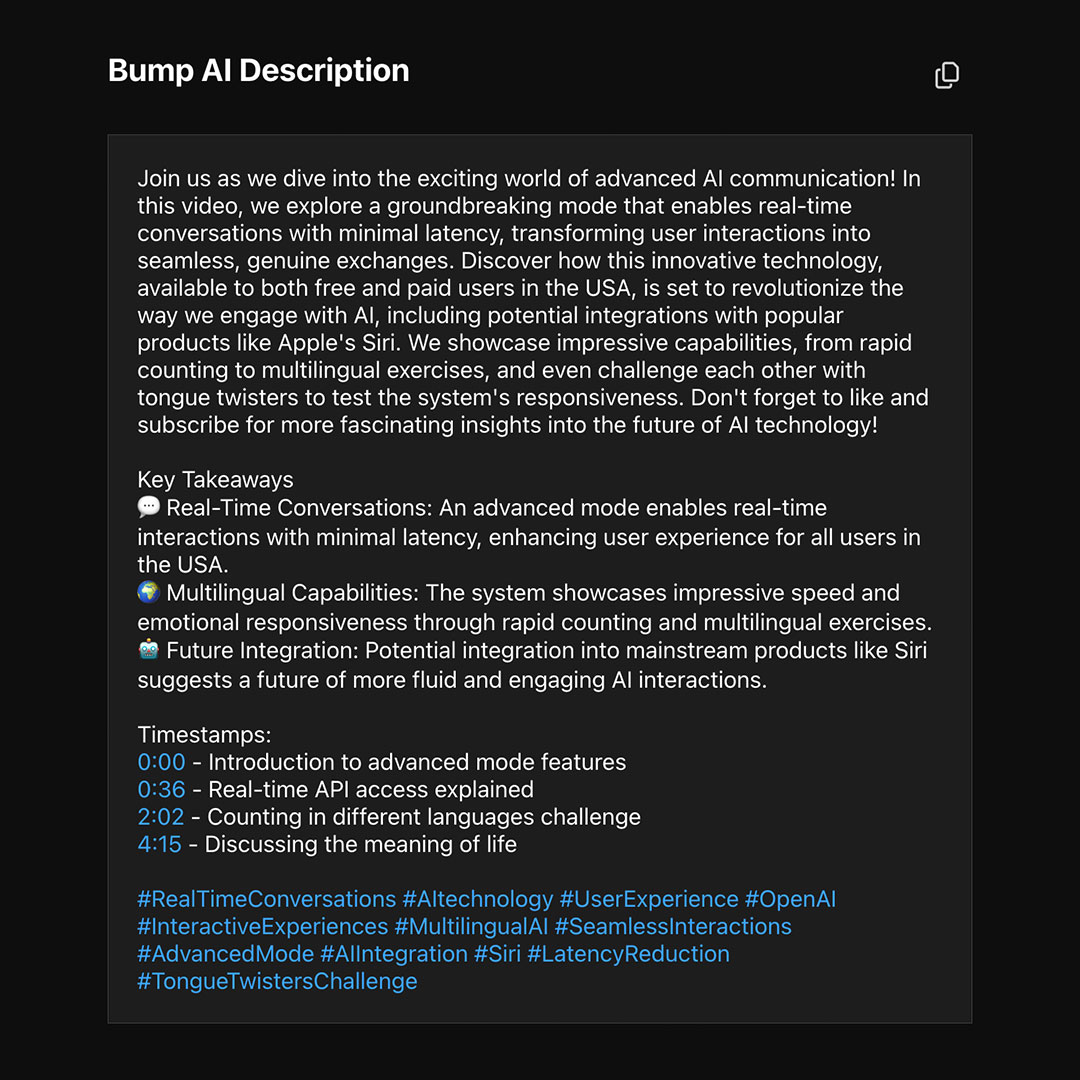
Preview generated description
Once Bump AI processes your video, the placeholders are replaced with actual content in the preview, so you can review and edit your description before finalizing it.
AI YouTube descriptions
Bump AI automatically crafts your video description by combining a complete summary, timestamps, key takeaways, and relevant hashtags to boost your video’s reach.
Try it out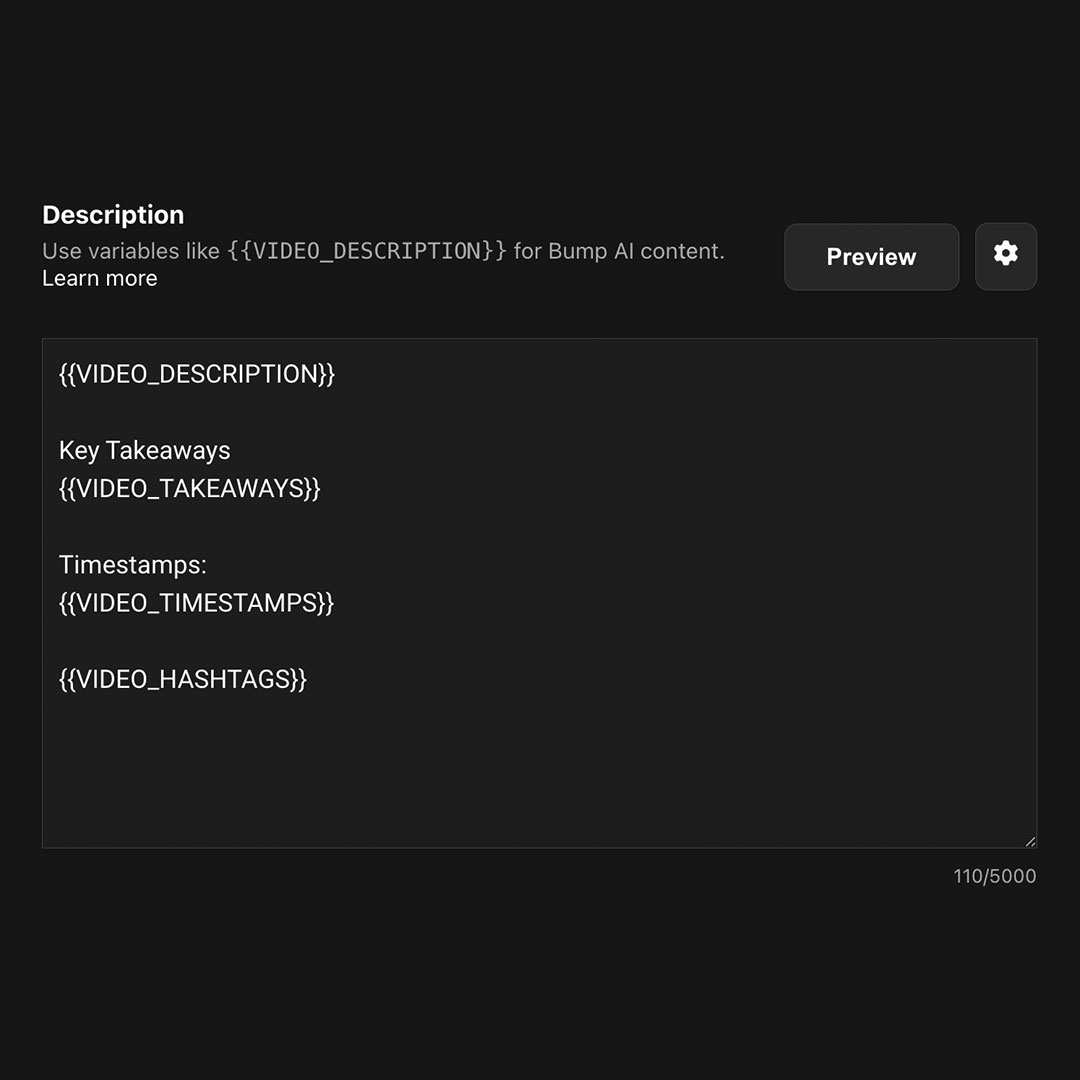
Preview the generated description
Once Bump AI processes your video, the placeholders are replaced with actual content in the preview. This gives you the opportunity to review and edit your video description before finalizing it.
Try it out