Meet the Bumpups API: Chapters and Answers From Your Own Code
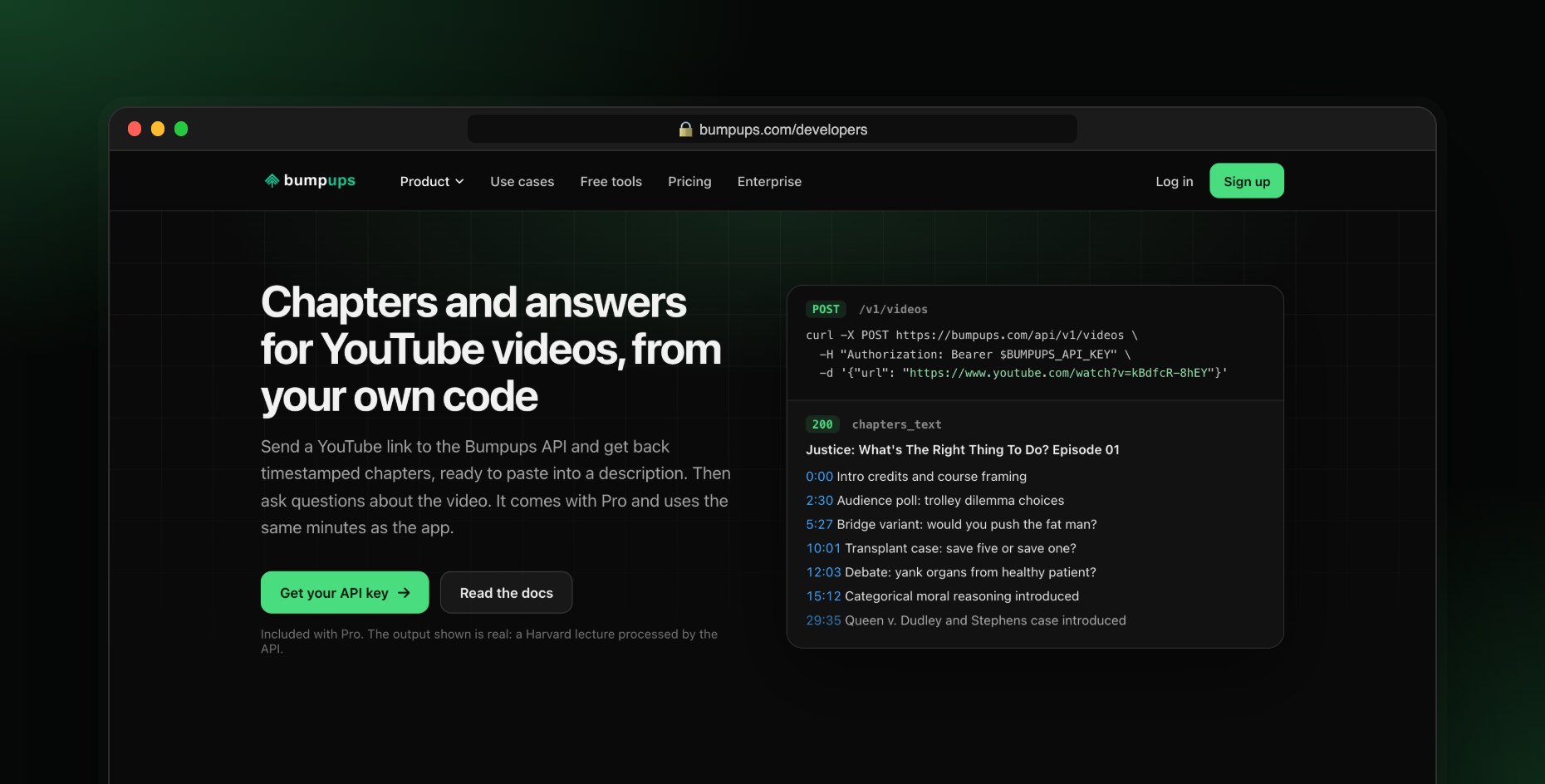
Bumpups Pro now includes the Bumpups API. Send a YouTube link from your own code and get timestamped chapters back, then ask questions about the video. It’s the same Bump AI you use in the app, with the same minutes, so your scripts, your website and your automations can do what you do in your Workspace.
A YouTube link in, chapters out
Send one request with a video’s link and Bumpups gets to work. A few minutes later the video is ready, with chapters you can paste straight into a YouTube description. We sent a 55-minute Harvard lecture on justice, and it came back with 15 chapters, from “2:30 Audience poll: trolley dilemma choices” to “29:35 Queen v. Dudley and Stephens case introduced.”
Then ask about it. We asked “Which cases does the professor use to test our moral intuitions?” and got the trolley driver, the onlooker on the bridge, the transplant surgeon and more, each explained in a sentence.
- Ready to paste. Chapters come back as a list with start times, and as text ready for a YouTube description.
- Ask anything. Get the same answers Bump AI gives in chat, and follow-up questions keep the context.
- Safe to retry. Send an idempotency key, and a retried request never charges you twice.
- Long videos welcome. Public YouTube videos up to 3 hours. Shorter videos are usually ready in 1–2 minutes.
One account, the same limits
The API isn’t a separate product with its own bill. It runs on your Pro plan, and everything it does shows up in the app. A new API page in the sidebar holds your keys, your minutes and your recent API videos.
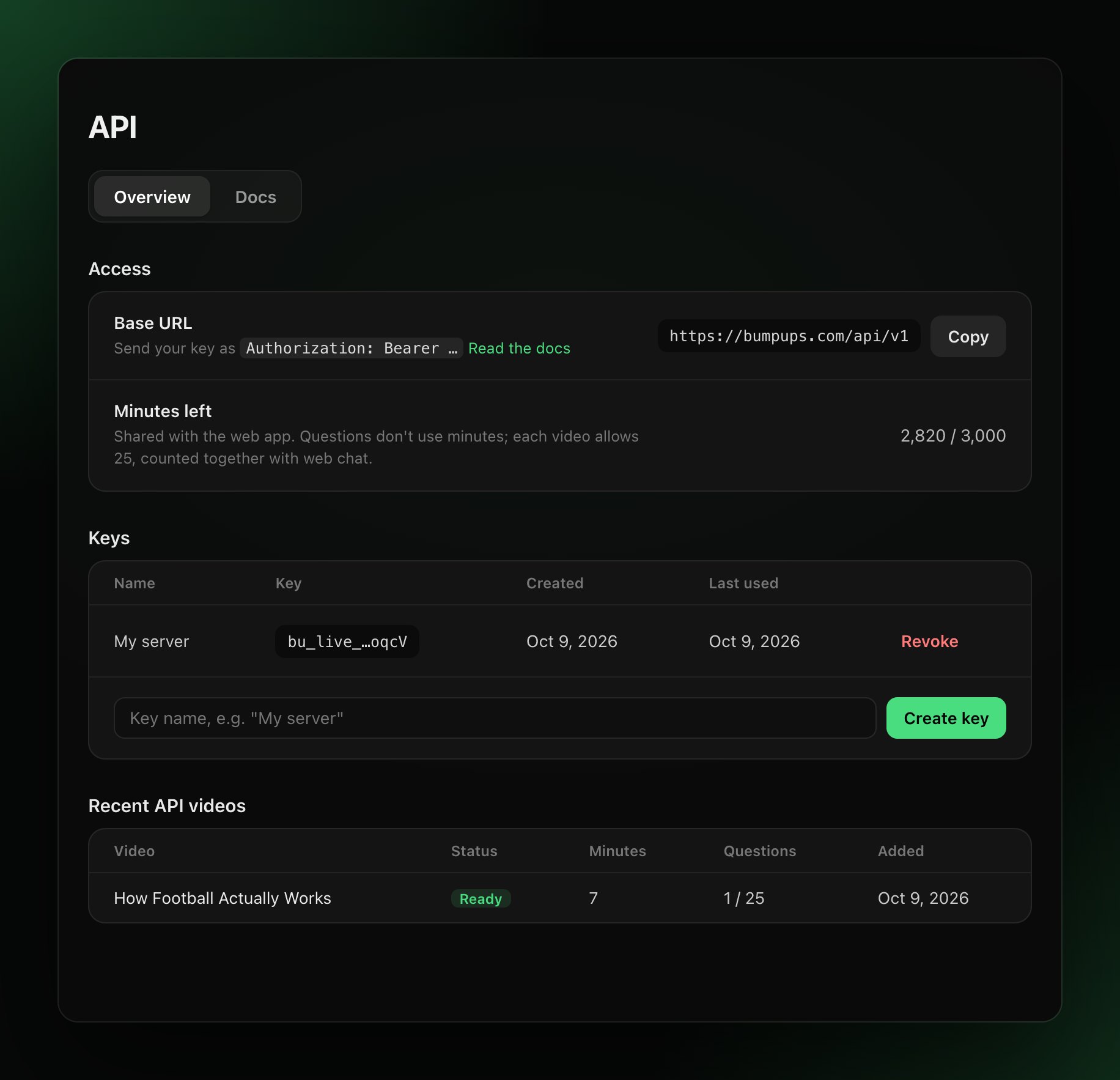
- Keys in one place. Name a key, copy it once, and revoke it whenever you like. You can have up to 5.
- The same minutes. A video costs its length in minutes, from the same balance as the web app. If no chapters come back, you get the minutes back.
- The same chat. Each video allows 25 questions, shared between the app and the API. API answers appear in a chat named “API” on the video.
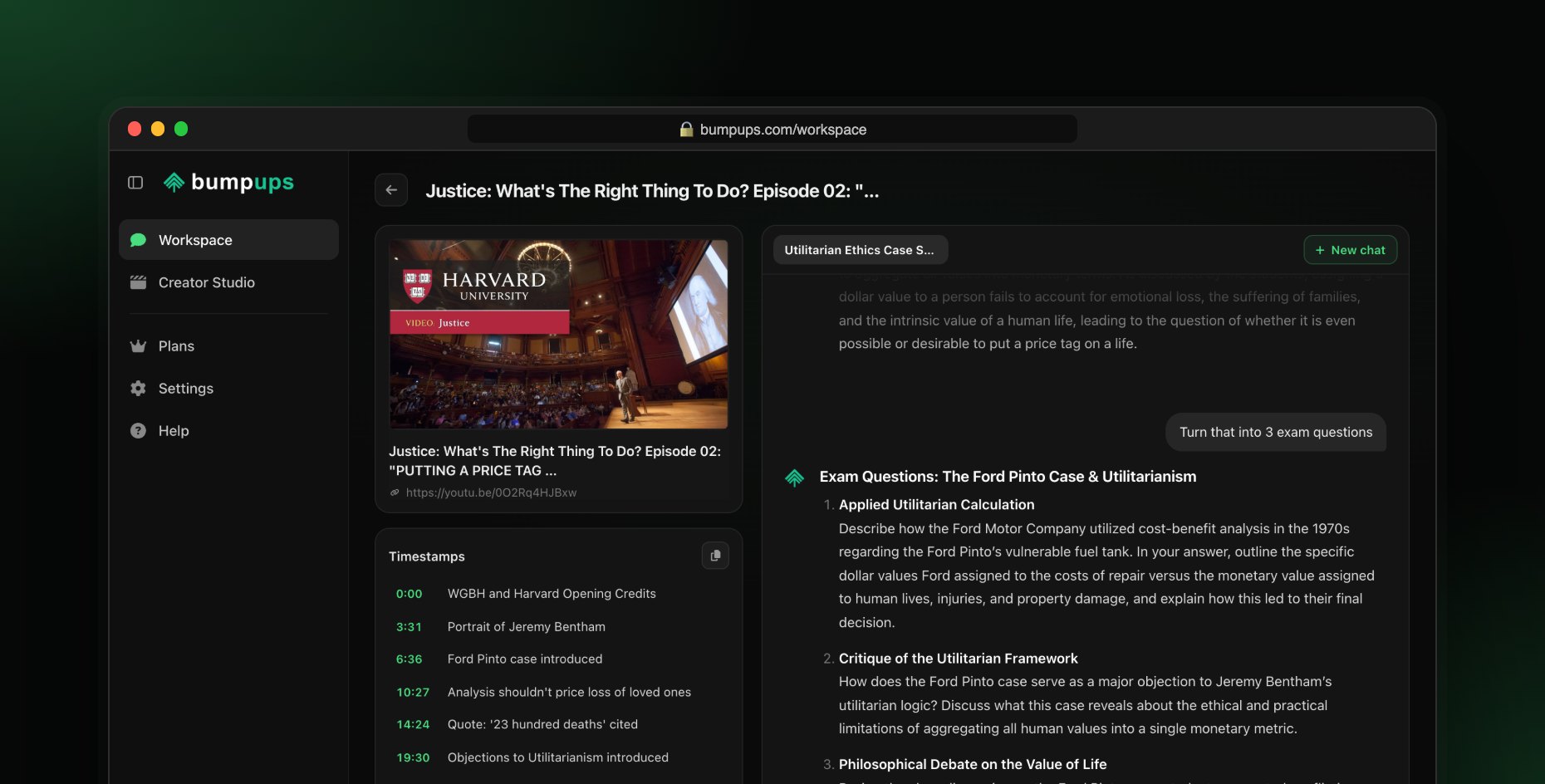
- Everything in your Workspace. Every video you process through the API appears in your Workspace with an API tag, ready to open, chat about and export.
Docs you can actually use
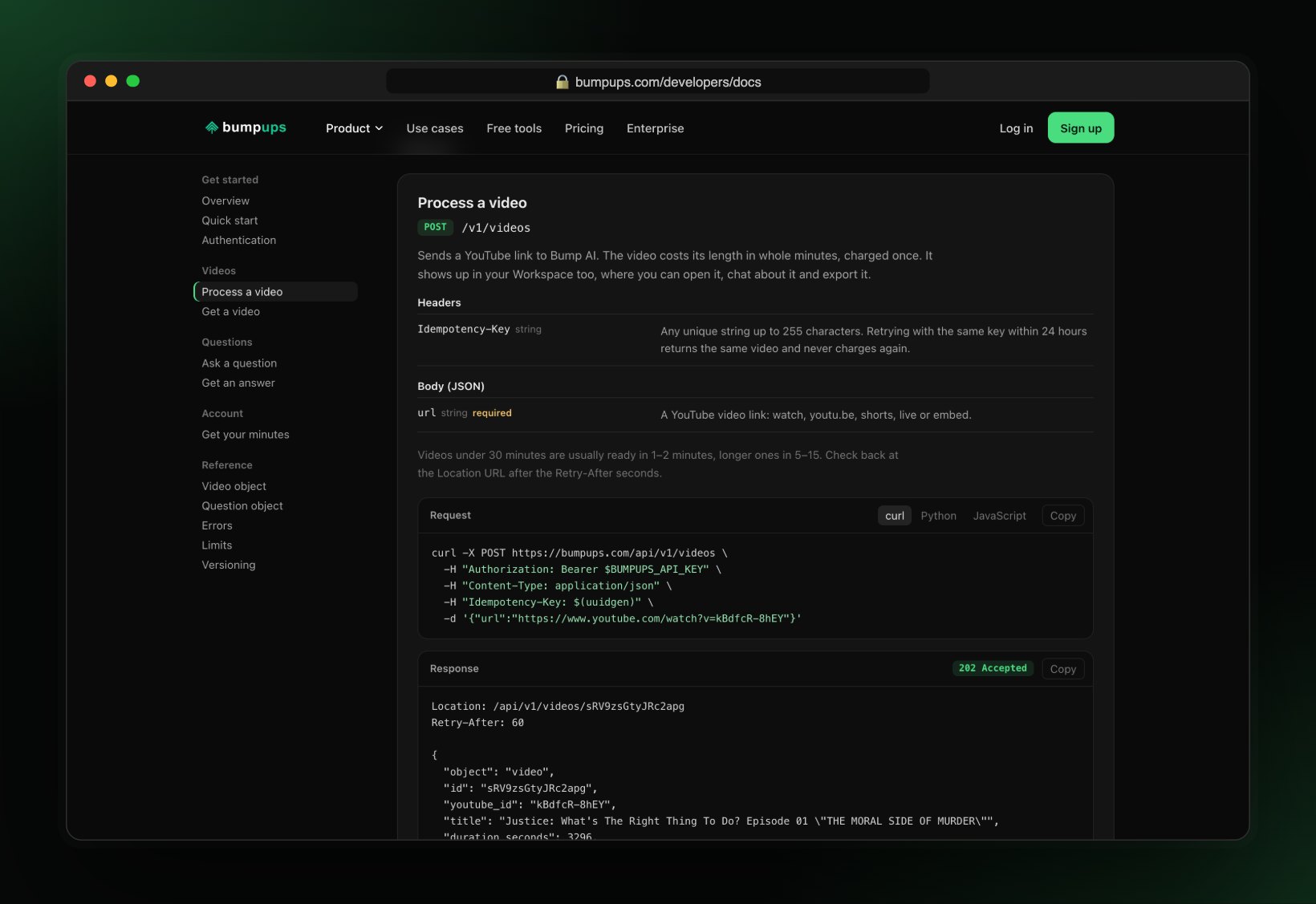
The full reference is public at bumpups.com/developers/docs. Every endpoint has a ready-to-run request in curl, Python or JavaScript next to a real response, and one click copies it. Errors explain exactly what went wrong, and an OpenAPI file is there for code generators and AI agents.
Never miss what’s next
Every new feature, improvement and fix lives on our Changelog.
On Pro? Open API in the sidebar and create your first key. Not yet? See what the API can do at bumpups.com/developers. We can’t wait to see what you build!